Insurance Claim Reports from a Floor Plan: Scope Report, Measurements, PDF
Claims & inspections · video 5 of 6 · 1:50 · Watch on YouTube
What goes in the claim package from vPlan AR, and how to send it: the Damage / Scope Report with the claim details on its cover, room-by-room Measurement Sheets in the order estimators key them in, a dimensioned PDF plan set with the Adjuster title block and damage overlay, a photo appendix with QR links, and a view-only review link.
In this video
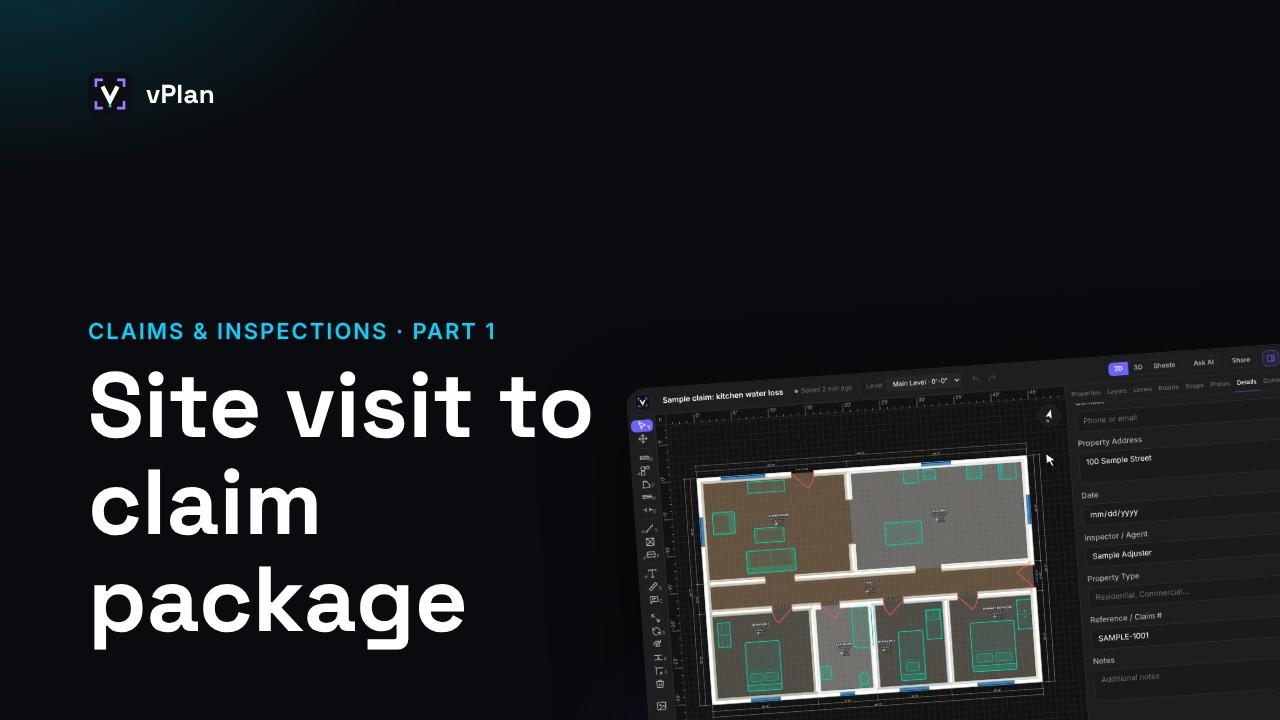
- Fill in the claim details in the Details tab: client, property address, date, inspector, reference or claim number
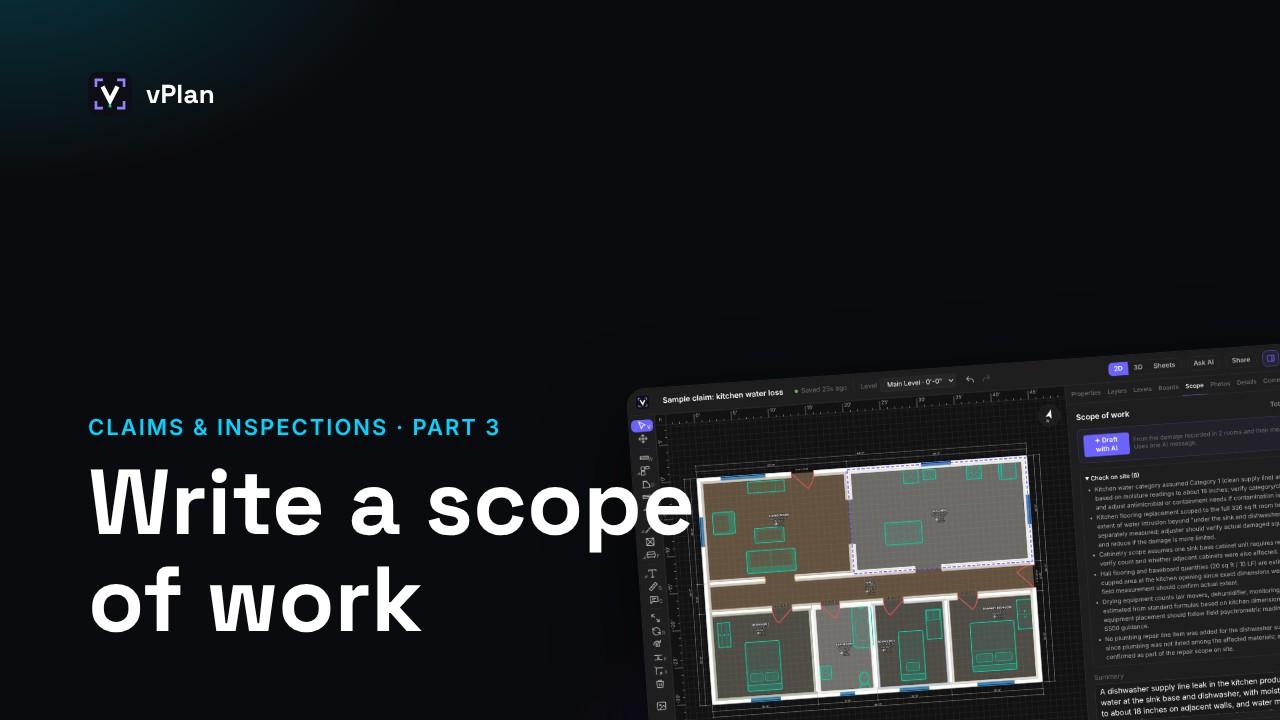
- Damage / Scope Report: a cover with the claim details, the plan with damaged rooms shaded, a scope summary, and every room’s condition, damage, photos and work; quantities, not prices; signature lines
- Measurement Sheets: every room on every level, in the order estimators key them in; PDF, CSV or Excel
- No direct Xactimate or Symbility connection yet: request it from the Export panel
- PDF plan set with the Adjuster title block: damage overlay and damage and scope sheets
- Photo appendix: each photo with a link and QR code to the full image
- Share a view-only review link: opens in a browser with no account
Transcript
When the inspection is done, vPlan builds the claim package from the plan. Here's what's in it and how to send it.
Start in the Details tab. Fill in the client, the property address, the date, the inspector, and the reference or claim number.
Click Export. Damage / Scope Report is the report for the file: a cover with the claim details, the plan with the damaged rooms shaded, a scope summary, and every room's condition, damage, photos and work to do.
It lists quantities, not prices, and ends with lines to sign and date.
Measurement Sheets list every room on every level, in the order estimators key them in: each wall's length, the ceiling height, floor and wall areas, the perimeter, and every door and window.
Pick a PDF, a CSV, or an Excel workbook with a room totals tab.
vPlan doesn't connect to Xactimate or Symbility yet. To ask for it, choose Send to Xactimate, Symbility, and tell us which you use.
For a dimensioned plan, export the PDF plan set, and choose the Adjuster title block. It adds the damage overlay and the damage and scope sheets.
Include the photo appendix, and every photo prints with a link and a QR code to the full image.
You can also share a view-only review link. The adjuster or the homeowner opens it in a browser, with no account.
These reports and sharing are part of Pro and Business.