How to Document Water Damage Room by Room with Photos
Claims & inspections · video 2 of 6 · 1:43 · Watch on YouTube
How to document property damage room by room in vPlan AR's web editor: record each room's condition, damage type, severity and affected materials, add notes, attach photos to the room they were taken in, and pin each photo on the plan where it was taken and the way the camera faced.
In this video
- Capture the rooms with the vPlan AR app, then open the project in the web editor
- Select a room and set its condition: good, fair, poor or damaged
- Pick the damage types (water, fire, smoke, mold, structural, impact, wind or other), the severity and the affected materials
- Add notes for anything the chips don't cover
- Open the Photos tab, pick the room and add its photos
- Select a photo and click Pin on plan: click where it was taken, then the way the camera faced
- 360° photos open in a viewer on Pro and Business
- Every room's damage goes into the reports and the Damage tab of the Schedules spreadsheet
Transcript
Good documentation decides how fast a claim moves. Here's how to record damage room by room in vPlan, with the photos to back it up.
Scan or measure the rooms on site with the vPlan app, and open the project here in the web editor.
Select a room. Under Condition and Damage, pick its condition: good, fair, poor or damaged.
Then the type of damage: water, fire, smoke, mold, structural, impact, wind or other. You can pick more than one.
Set the severity, minor, moderate or severe, and tick each affected material, from drywall and flooring to cabinets, electrical and plumbing.
Add notes for anything the chips don't say.
Now the photos. Open the Photos tab, pick the room, and add its photos. Photos stay with the room they were taken in.
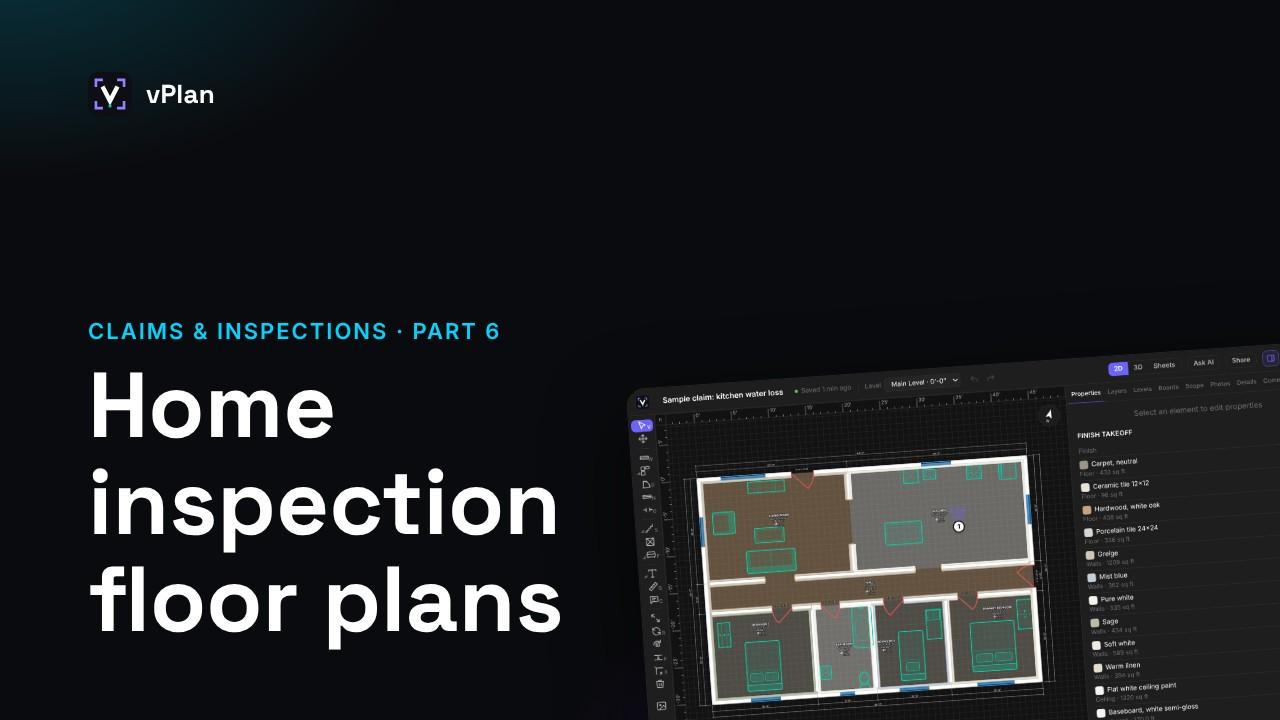
To show where a photo was taken, select it and click Pin on plan. Click the spot, then the way the camera faced.
360 degree photos open in a viewer you can look around in, on Pro and Business.
Every room's damage goes into the reports, and into a Damage tab in the Schedules spreadsheet.
Damage tagging is part of Pro and Business. The free plan keeps three photos per room.
Next: writing the scope of work.