Add a Floor Plan to Your Home Inspection Report
Claims & inspections · video 6 of 6 · 1:54 · Watch on YouTube
How home inspectors add a measured floor plan to their reports with vPlan AR: capture the home with the phone app as you inspect, set each room's condition with notes and photos pinned on the plan, then export a room-by-room condition report, a floor plan PDF for your inspection software, and an ANSI Z765 style square footage report.
In this video
- Capture the home as you inspect: a LiDAR scan on iPhone Pro and iPad Pro, or Measure Room (beta) on Android and other iPhones
- Select a room and set its condition: good, fair, poor or damaged
- Note the issues and add the room's photos in the Photos tab
- Pin a photo on the plan where it was taken
- Export the Damage / Scope Report as a condition report: floor plan, each room’s condition, notes and photos
- Or export the floor plan PDF to attach to your inspection software’s report
- Set each room's Area Type, then export the ANSI Z765 style Square Footage Report
Transcript
A measured floor plan puts every finding in its place. Here's how home inspectors add one to their reports with vPlan.
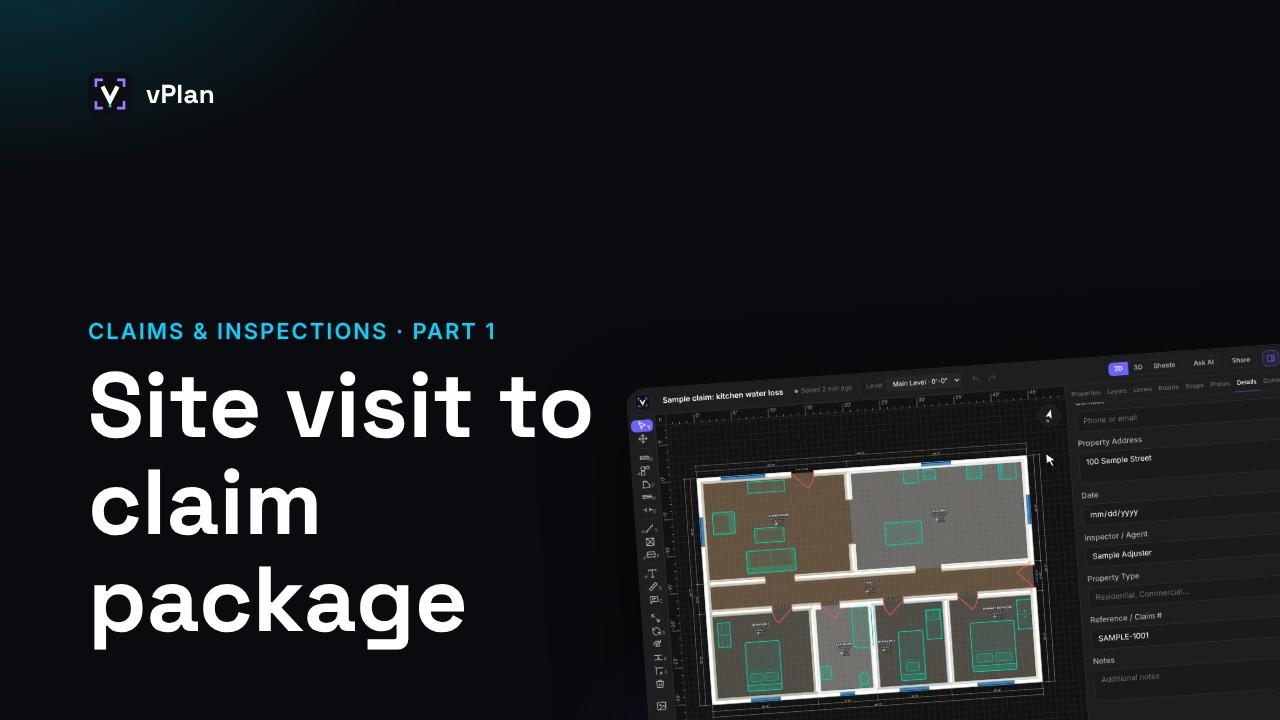
Scan the home as you inspect, with the LiDAR scan on an iPhone Pro or iPad Pro, or Measure Room on Android and other iPhones. Then open it here, in the web editor.
Select a room, and under Condition and Damage, set its condition: good, fair, poor or damaged.
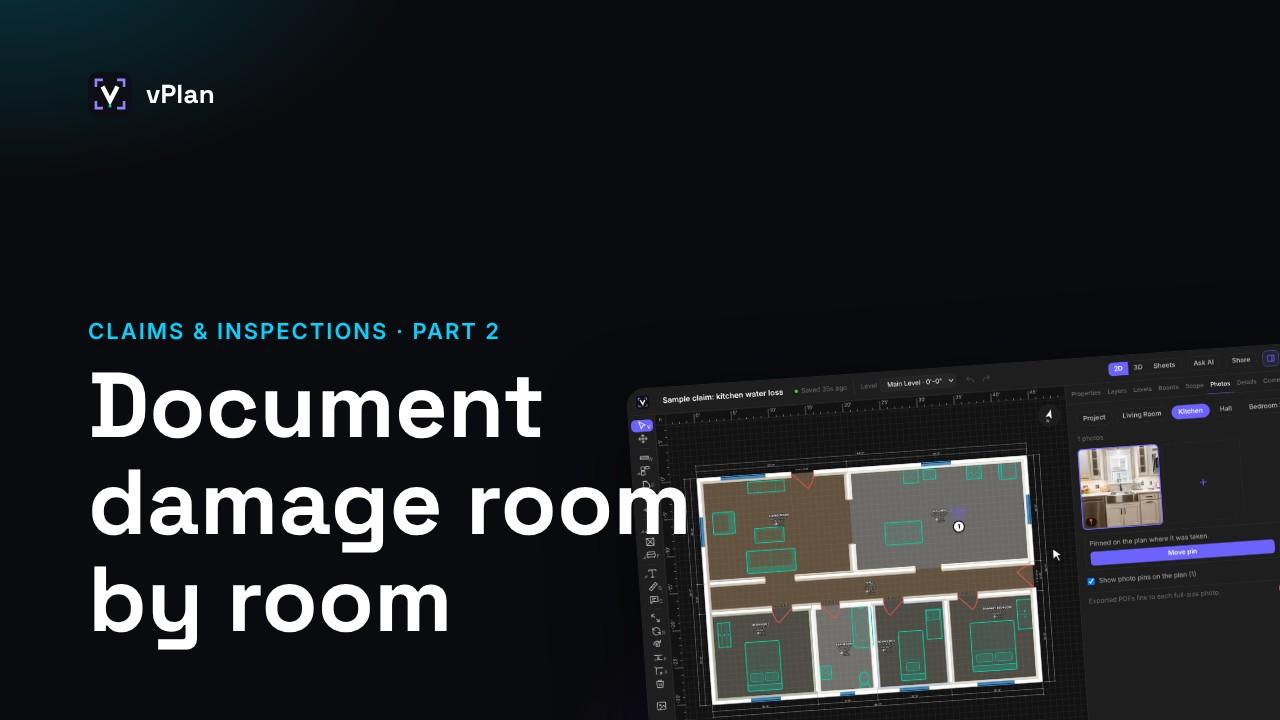
Note the issues, and add the room's photos in the Photos tab, so every finding sits in the room it belongs to.
Pin a photo on the plan to show exactly where it was taken.
Click Export. The Damage / Scope Report becomes your condition report: the floor plan, each room's condition and notes, and its photos, in one PDF.
Or export the floor plan PDF on its own, with room names and areas, to attach to the report from your inspection software.
For square footage, set each room's Area Type: living, below-grade finished, garage, unfinished, or porch.
Then export the Square Footage Report: an ANSI Z765 style report with the gross living area, the breakdown by type, and every room.
The condition report and the square footage report are part of Pro and Business. The free plan exports a watermarked floor plan.
That's the series. Find all the videos, and the guides, at vplan.ai.